
Tech
How to Handle Water-Damaged Phones Without Overpromising

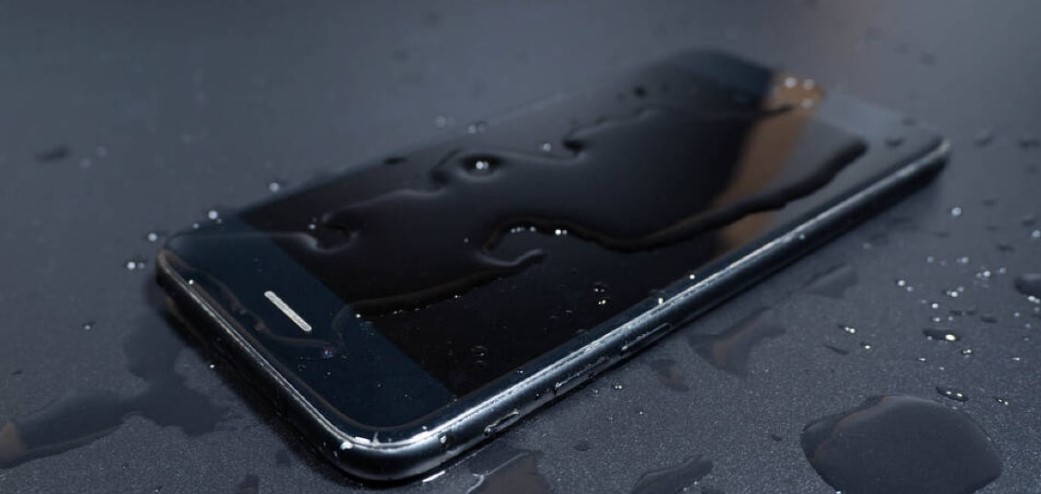
Water cases spike after spills, storms, and pool days, and every caller wants a miracle. The truth is that outcomes vary by liquid type, exposure time, and corrosion already in motion. Owners need straight talk, proof, and a process that does not make things worse. With cell phone repair shop software keeping intake photos, notes, approvals, and test results in one place, you can set clear expectations and follow the same safe routine every time. Do that and you will avoid risky promises, reduce comebacks, and turn a stressful situation into a steady, professional experience.
How to Handle Water Cases with a Steady Plan
Water jobs arrive with pressure and guesswork. But don’t fret! Here are a few tips that will help you handle this job like a real pro.
1) Start Safe at Intake
Panic leads to bad advice and rushed steps. Slow down the situation and protect the phone first. Tell the customer not to charge or power on and keep the device still. At the counter, remove power sources, bag the phone to prevent debris, and record liquid type and time since exposure. Take front and back photos and close-ups of ports and seams. Create a ticket and label a bin immediately. Your first goal is to stop damage from getting worse and to capture the facts before corrosion spreads.
2) Be Honest About Rice and Resistance
People often walk in with the wrong ideas. Your job is to debunk their myths in a calm way to earn their trust. You must explain that rice does not fix corrosion, and if they use salt, it can easily leave grit in ports. While telling them all this, explain that IP ratings come from controlled tests and fade with age and wear. You should make one clear promise. You will open the phone, dry and clean the internals, check for shorts, and run light function tests before any quote. Do not promise full recovery or data yet. Clear limits now prevent hard talks later and keep expectations real.
3) Stabilize Before You Diagnose
Skipping straight to power on can finish the damage. Move in a safe order. Disassemble with ESD care, rinse board-level contamination as required, displace water with the right solvent, and dry with controlled airflow. Inspect for corrosion at connectors, shields, and under cameras. Replace obvious sacrificial parts like swollen batteries or corroded flex assemblies. Only then perform low risk power tests. Document everything with photos on the ticket. Stabilizing first gives the phone a fair chance and keeps the bench from creating secondary failures.
4) Share Odds With A Real-World Stat
Customers need numbers to decide. Give them context that comes from outside your shop. Water exposure is a major damage type, and survey data shows it appears in a large share of phone incidents. SquareTrade’s recent report lists water damage in about 21% of smartphone problems they tracked in the prior year. That is why you cannot guarantee full recovery and why careful steps matter more than speed. Use that framing to offer a staged plan.
5) Quote in Stages and Get Clear Approvals
Big promises and big totals create doubt. Break the job into simple stages that match the risk. Stage one is assessment and stabilization with a small, nonrefundable fee. Stage two is essential parts like the battery, charging flex, or display if contamination reaches the front assembly. Stage three is optional comfort fixes. Put each step, price, and time window in the ticket and send a short approval request. Customers appreciate control. Staff avoid haggling at pickup because the record shows what was approved and why.
6) Prove What Works Before Pickup
Hope is not proof. Run two rounds of tests and make the results visible. After reassembly, confirm power cycle, charge rate, cameras, speakers, mics, proximity, and radios. Let the phone idle and handle light tasks to watch for heat or sudden shutdowns. Before pickup, repeat quick tests and take a short video showing key functions. Save it to the ticket and send a summary. When evidence is easy to see, customers trust the outcome, and your desk does not need long explanations.
7) Explain Limits in Plain Words
Recovered does not mean as-new. Liquids can shorten future life and void manufacturer coverage. Tell the owner what to expect and what to watch. Advise a fresh backup right away, gentle charging for a few days, and a return visit if heat or battery swelling appears. Include a short warranty that fits water work, usually on parts replaced and labor performed, not on pre-existing damage. Use cell phone repair shop software to print or text these terms from the ticket so the message is the same every time.
Conclusion
Water repairs go best when the shop stays calm and honest. At intake, keep the device safe, clear up myths, and dry and clean it before any testing. You should also provide a clear context with one credible stat so that the choices feel informed. When you are about to get started on the repair, it’s best to break the job into stages, get clear approvals, and show proof with photos and videos before pickup. Also, it’s best to explain the limits clearly and keep one record for everything so the story never changes. Use cell phone repair shop software to hold notes, tests, approvals, and warranties together. Do this and you build trust, reduce comebacks, and turn risky work into steady wins.

Tren Twins Height: Introduction and Popularity

Johnny Depp Net Worth: Earnings Breakdown and Career Highlights

Ricki Lake Net Worth: How She Built Her Fortune Over the Years

Taj Cross Age: Everything You Need to Know About the Rising Star

Nathan Fillion Net Worth: How He Built His Fortune Over Time

Nicholas Hoult Wife: Relationship History and Current Status

Jordan C. Brown Net Worth: A Comprehensive Look at His Career, Wealth, and Influence

Matthew Gray Gubler Net Worth: How He Built His Fortune Over the Years

Mandy Patinkin Wife: Love, Family, and Marriage Details

Sam Sulek Net Worth: How the YouTube Star Built His Digital Empire
Tren Twins Height: Introduction and Popularity
Johnny Depp Net Worth: Earnings Breakdown and Career Highlights
Ricki Lake Net Worth: How She Built Her Fortune Over the Years
Taj Cross Age: Everything You Need to Know About the Rising Star
Nathan Fillion Net Worth: How He Built His Fortune Over Time
Nicholas Hoult Wife: Relationship History and Current Status
Jordan C. Brown Net Worth: A Comprehensive Look at His Career, Wealth, and Influence
Matthew Gray Gubler Net Worth: How He Built His Fortune Over the Years
Mandy Patinkin Wife: Love, Family, and Marriage Details
Sam Sulek Net Worth: How the YouTube Star Built His Digital Empire
-

 Celebrity1 year ago
Who Is Steve Cena? All About John Cena’s Brother and His Life
-

 Celebrity12 months ago
Who Is Drew Pritchard? TV Presenter, Antique Dealer & Rebecca Pritchard’s Ex-Husband
-

 Celebrity1 year ago
Who is Nadia Farmiga? All You Need to Know About Vera Farmiga’s Sister
-

 Uncategorized1 year ago
Who is Janet Gayle? All About Gary Burghoff’s Ex-Wife